 |
|
 |
Steps to Regain Access
- Access the login page: http://www.pioneer.com/growingpoint
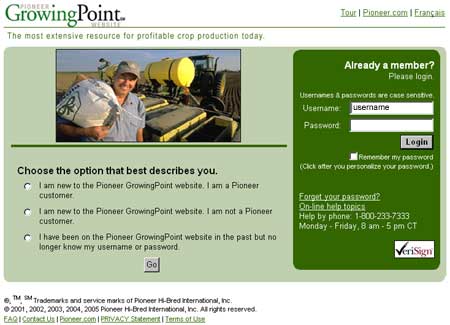
- Type in your personalized username in the username box. (See
the following illustration.)
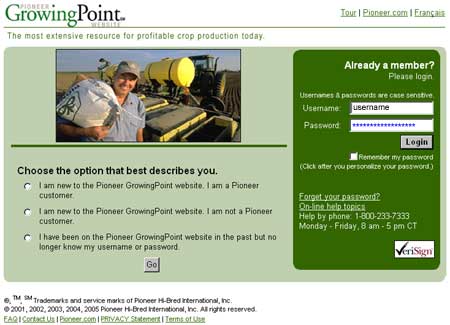
- Click in the password box. If stars (****) appear in the
password box, use the Backspace/Delete keys to remove them. (See
the following illustration.)
- Type in your personalized password in the same box where you have deleted the stars.
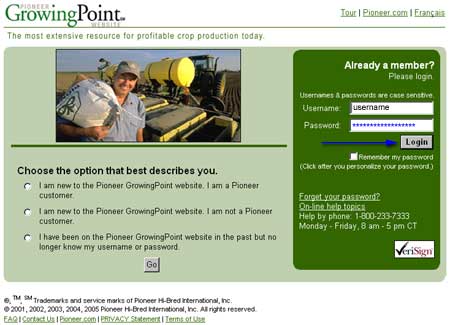
- Click Login. (See the following illustration.)
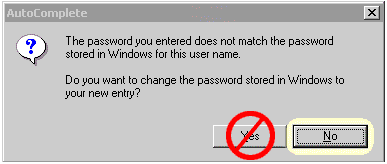
- Click No on the box pictured below if it appears:
- You should now be able to access the Pioneer GrowingPoint website.
For additional assistance, please call Pioneer
GrowingPoint® website Support:
1.800.233.7333 Monday - Friday 8AM - 5PM (CST)